
Image credit: Chanzj, via Pixabay
As we move into an ever-digital world, it’s more important than ever to make sure you’ve got access to your favorite movies, music, and games. Physical media seems to be slipping through the cracks, for better or worse, meaning honing your digital collection can help you stay in touch with your top titles.
Having a quality mobile emulator to use on your PC is a solid way to make sure you’re always able to play your favorite games. Here’s a breakdown of why 2026 might be the best time to get a mobile emulator installed, and what to look for in a good quality one.
Mobile emulators help to keep gaming accessible

Whether you’re a diehard physical media lover, a digital-only player, or someone who falls squarely in the middle, chances are that you’ve seen the steadily increasing uproar surrounding physical media in 2026.
With the Grand Theft Auto 6 disc-in-a-box-special debacle and PlayStation’s determination to eat discs for breakfast, the gaming scene feels like it’s careening towards an exclusively digital future.
While this may be frustrating for some – understandably, I’m a physical media fanatic, and I’ll take my Nine Sols copy to the grave – it’s important to look at the unique digital tools that can still make digital gaming experiences memorable in 2026. One such tool is a mobile gaming emulator.
If you’re unfamiliar, you can use mobile gaming emulators to play typically mobile-exclusive games on your PC, transforming your computer into a virtual mobile or tablet and widening the amount of games you’ve got on offer. They’re traditionally used for coding and debugging, but can be wickedly fun as a gamer, too.
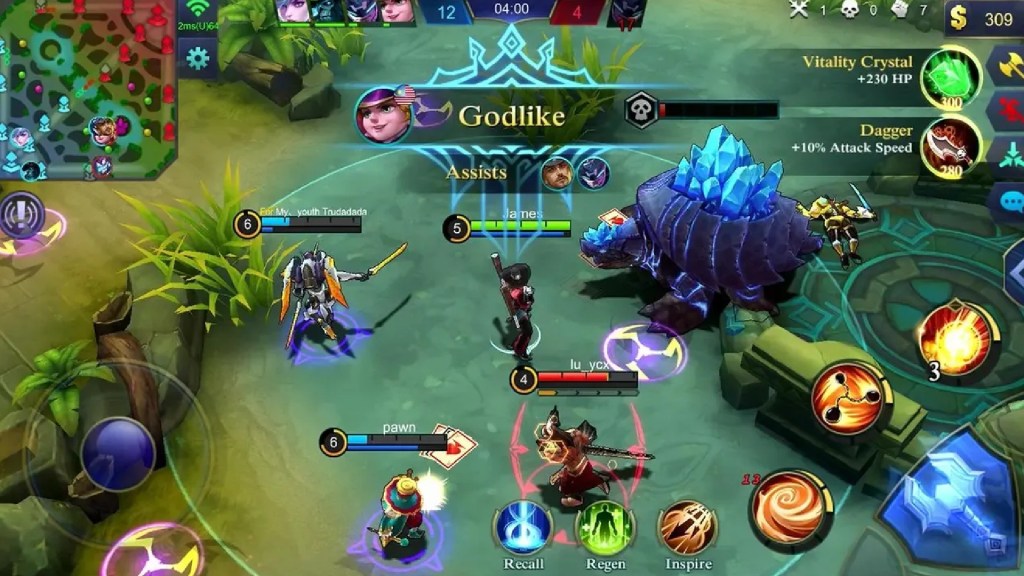
Folks typically look for mobile gaming when they’re hunting for a comfier way to play their favorite games.
Mobile games can be convenient to play on the go, but sometimes, it’s more relaxing and enjoyable to kick back at your desk or to sit on your bed with a laptop instead of tapping on a mobile screen.
Personally, I’m a big fan of using mobile game emulators to play older titles on my PC, so that I can increase the screen size and interact with the game more comfortably. I’ve got pretty rubbish eyesight, and it’s a useful workaround if there’s an older mobile title with a murky interface that I want to play.
Research is key when finding mobile emulators
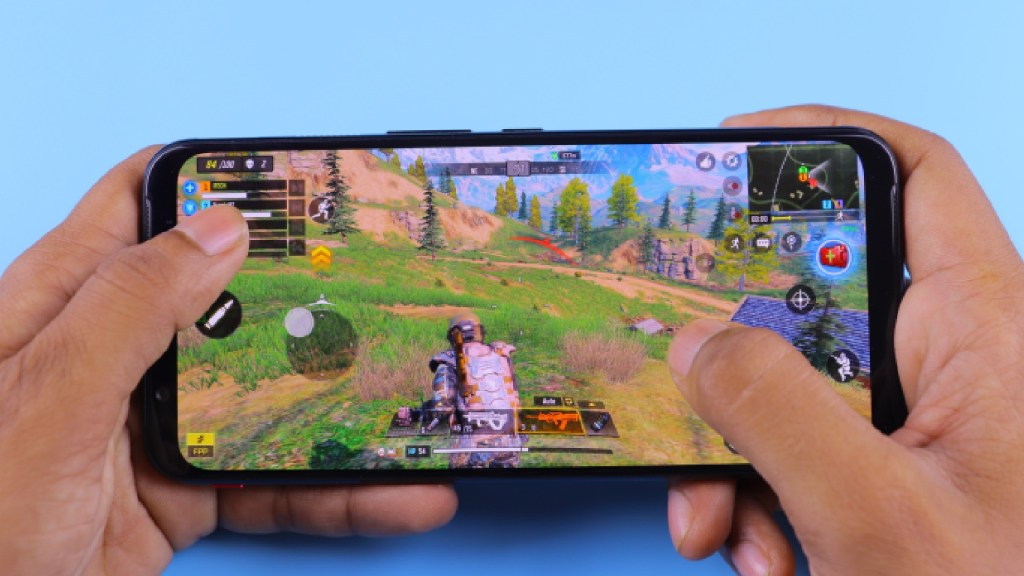
Having an emulator can also let you access more graphically intense or storage-heavy games in some cases, too.
Some mobile games are hefty in size – just look at Infinity Nikki; I love it, but it eats my mobile storage alive – and being able to play them on PC can be a useful solution if you’re struggling with size or power.
If you’re going down the route of emulating games on your PC and using an Android gaming emulator, it’s important to do your research and opt for a trustworthy emulator.
You’ll want to look for positive reviews across platforms, frequent updates and consistent support, and a focus on optimization and stability. Make sure you’re only downloading from official sources, both for game files and the emulators themselves, sticking with names like LDPlayer 14 to ensure you avoid any issues.
LDPlayer 14 is a solid place to start as someone new to Android emulation; it’s almost more of a standalone gaming platform than just a regular emulator, and it offers a solid experience in terms of performance and ease of access.
Whether you’re emulating on Android, iOS, or something else entirely, research is vital if you want to keep your files and your PC safe. Usually, mobile emulators will have strong communities surrounding them online, so you shouldn’t struggle to find helpful forums and boards to support you with any issues.
While I’m not sure I’ll be moving to emulate my physical media collection any time soon, I can recommend looking into emulation as the gaming scene starts to get more pixelated. A quality mobile gaming emulator will help you access your favorite titles with ease and avoid pesky issues like storage problems or slow performance.
FAQs
LDPlayer 14 is an Android-focused gaming emulation platform that lets players pick up their favorite mobile games on PC.
A good mobile emulator should come from a trusted, verifiable source, have a clear interface, focus on performance and stability, and have customer support or a strong community to help users out if they run into any trouble.
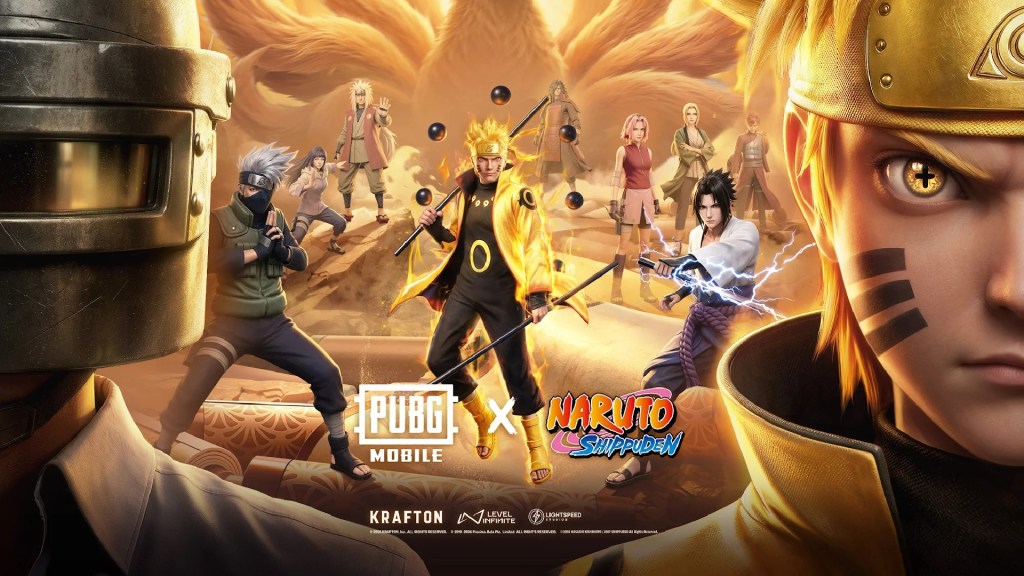
Yes, there are some great esports that can be played on mobile, with Mobile Legends Bang Bang and PUBG Mobile being two of the most popular.
Yes, mobile gaming is arguably in its best state yet in 2026. There’s a slew of gorgeous indie games available to play on mobile, with more developers looking to port their games onto mobile, and useful tools like mobile gaming emulators that help to enhance the experience.